[
LOCAL MODE
]
Run ShelraCode offline. One flag, no API key, the model on your own hardware.
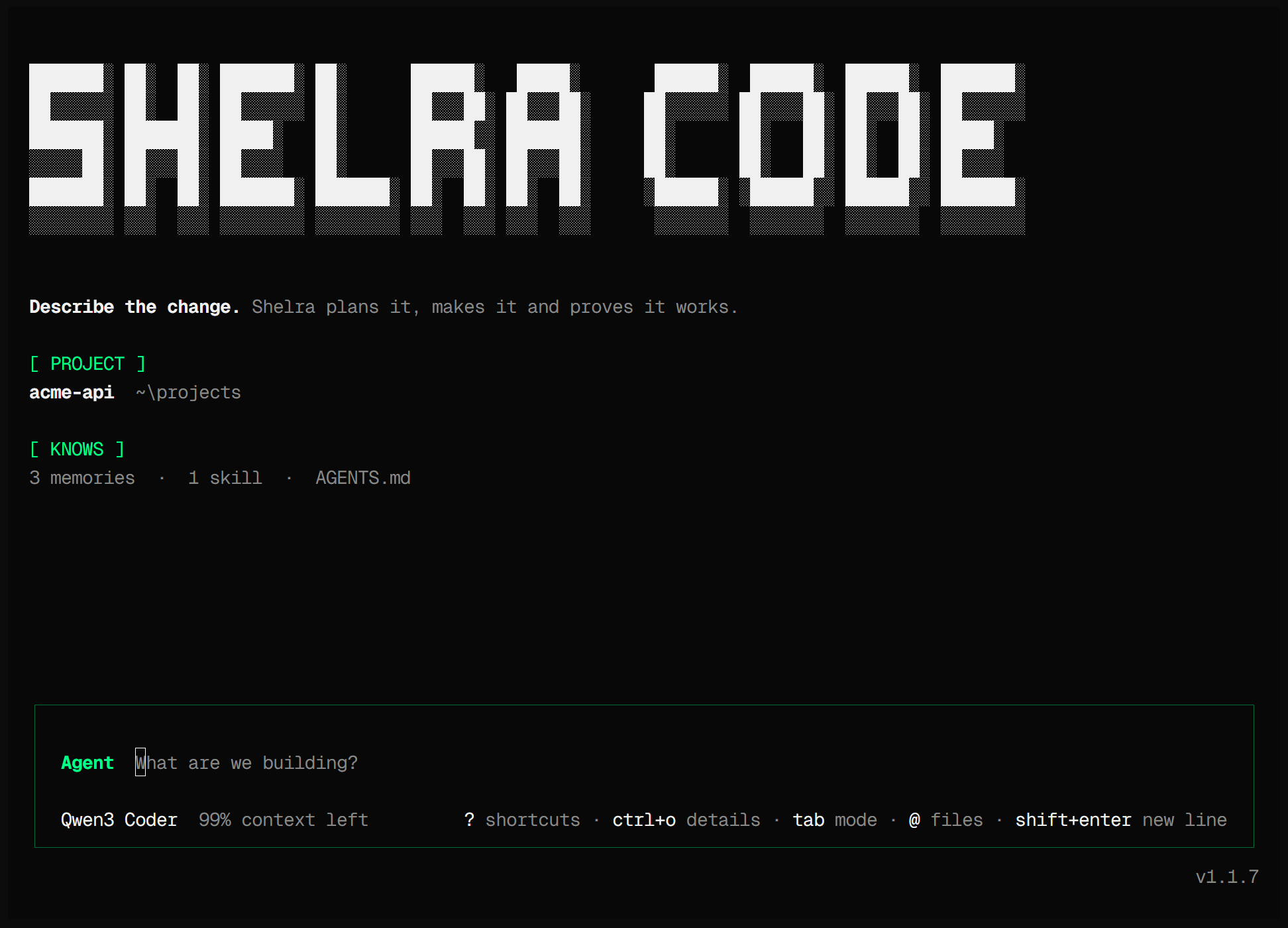
With --local, ShelraCode runs its usual agent loop against a model on your own hardware. It installs and starts a llama.cpp server on loopback, downloads a verified GGUF model the first time, and checks both before the chat opens. No account, no key, no configuration file.
Start it
shelra --localThe first run sets everything up, with progress in the terminal:
- It reads the hardware: memory, and NVIDIA GPUs through
nvidia-smi. - It picks a model that fits (below) and downloads it from Hugging Face. The download resumes after an interruption and is checked against a pinned SHA-256.
- It downloads llama.cpp release
b10826from the official ggml-org releases, also checked against a pinned SHA-256. - It starts
llama-serveron loopback and runs a health check before the chat opens.
Later runs reuse the model and the engine stored under ~/.shelra. Starting ShelraCode never downloads or starts a local model: that happens when you ask for local mode, or when a cloud session falls back to a model you already installed (below).
Which model it picks
| Model | Picked when | Memory | Download | Context loaded |
|---|---|---|---|---|
| Qwen2.5 Coder 1.5B · Q4_K_M | no GPU memory reported, or under 5 GB of it usable | about 2.2 GB | 1.1 GB | 8K on a CPU, 16K on an NVIDIA GPU |
| Qwen2.5 Coder 7B · Q4_K_M | 5 GB or more of usable GPU memory | about 5.3 GB | 4.7 GB | 8K on a CPU, 16K on an NVIDIA GPU |
Usable GPU memory is 72% of what the GPUs report. Without it the smaller model is the default and the larger one is offered as the quality option. Both models accept 32K tokens of context; the managed server loads less by default to fit ordinary machines, and SHELRA_CONTEXT (CPU) or SHELRA_GPU_CONTEXT (GPU) raises it. To choose the model yourself, set its id:
export SHELRA_ONBOARDING_MODEL=hf:Qwen/Qwen2.5-Coder-7B-Instruct-GGUF:Q4_K_MPlatforms
- Windows x64: the CPU build, or the CUDA 12.4 build when an NVIDIA GPU is found (force it with
SHELRA_RUNTIME_BACKEND=cuda). - macOS: Apple silicon and Intel.
- Linux x64.
Elsewhere, or if you already run a model server, point ShelraCode at any OpenAI-compatible endpoint on your machine:
export SHELRA_LOCAL_ENDPOINT=http://127.0.0.1:8080/v1shelra --local
The same agent, locally
Local mode changes where the model runs, not what ShelraCode does: the same tools, project memory, sub-agents and saved sessions, and the same rule that a change is not done until a real check has run.
The model runs on your machine, so no model provider sees your code or your prompts. The agent's web research (search_web, open_web) and the commands it runs can still reach the network when a task calls for them.
Local mode is also the last fallback of a cloud session, with a model that is already installed; nothing is downloaded mid-task. When OpenRouter rejects your key, ShelraCode moves to another OpenRouter key you have, then to the local model; when another provider rejects its key, it moves to OpenRouter's free models, then to the local model.
What to expect
- These are compact 2024 models (1.5 and 7 billion parameters), run with 8K to 16K tokens of context by default: a fraction of the size of current cloud models. Start with focused tasks, and let the checks tell you when a task is beyond them.
- Speed depends on your hardware, and a CPU is much slower than a GPU. On a slow machine, raise the time limits in milliseconds:
SHELRA_MODEL_STEP_TIMEOUT_MSfor one model step andSHELRA_MODEL_IDLE_TIMEOUT_MSfor the wait between streamed chunks. - No benchmark runs of local mode have been published yet: the runs on record use cloud models.